Price a custom part with incomplete costs
Material, labor and overhead estimates sit apart from actual job cost in QuickBooks and Excel.
The cost: committing machine time before you know whether the part makes money.
Job shop software · Practical evaluation resources
For North American machine shops and make-to-order manufacturers: a practical way to test quoting, scheduling and job costing against your own work. JobBOSS² is ECI's job-shop software, built around the job number from quote to cash.
Before you pick a system
New quality or delivery demands, growth and new hires make manual tracking harder to defend. If you are comparing job shop software, start with the work your floor actually runs.
Material, labor and overhead estimates sit apart from actual job cost in QuickBooks and Excel.
The cost: committing machine time before you know whether the part makes money.
A rush order or a new delivery requirement changes the floor, while the schedule lives in someone's head.
The cost: a customer commitment without a clear view of capacity.
When every vendor claims job-shop fit, a broad checklist cannot show how it handles your one-off work.
The cost: buying the wrong system twice — or putting the decision off until tracking breaks.
A better way to evaluate
Bring a recent quote, a changed schedule and a completed job to any software conversation to make your questions concrete.
JobBOSS² connects quoting, job costing and financials around the job number. Ask to see material, labor and overhead in a quote, then compare estimate to actual.
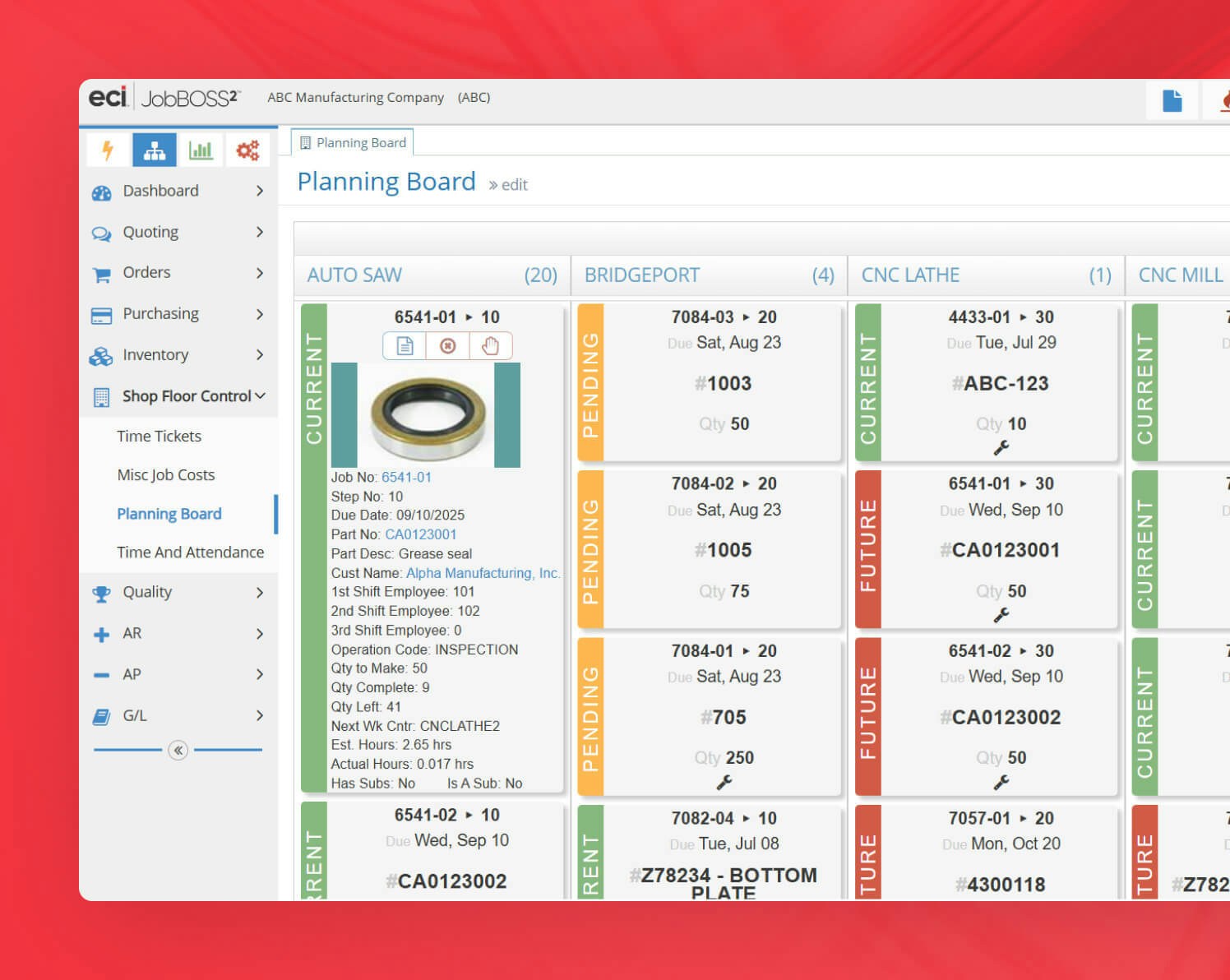
Use the drag-and-drop Planning Board to move a rush job against real capacity; ask the vendor to show its effect on due dates and the shop floor.
Compare each system using your own sample work. JobBOSS² is purpose-built for make-to-order shops, with quoting, costing, scheduling and financials connected in one workflow.
Why JobBOSS²
Spreadsheets and QuickBooks can record transactions, but leave you stitching together the story of each job. These are the differences worth testing against your own work.
Quoting, job costing and financials share the job number, so you can inspect margin by job, customer and part without exporting to Excel.
The combined JobBOSS and E2 SHOP lineages put decades of make-to-order experience into the scheduling board and onboarding playbooks.
Multi-tenant cloud, private hosted cloud or on-premise deployment let shops with local network or security needs choose their own path.
Explore by question
Choose the topic that matters most to your shop.
See which material, labor and overhead assumptions to test in a real quote.
Quoting & cost inputs
Use a rush order or a down machine to test the drag-and-drop planning board.
Schedule & capacity
Trace estimate against actual so repeat work can be priced on evidence.
Job costing & profitability
Compare data, onboarding scope and deployment choices before committing.
Software selection & deployment
A real shop's result

“ECI has always been one step ahead of what my shop needs.”
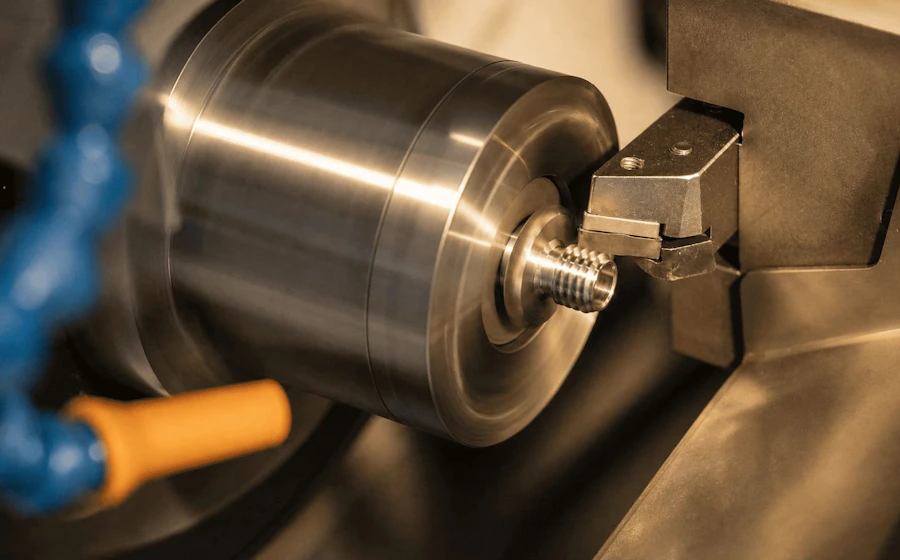
Midway Swiss Turn's published story describes growth from $500,000 to over $1M in revenue while running its machine shop on ECI's job-shop platform. Its reported results are not a forecast for another shop.
Jayme RahzCEO, Midway Swiss Turn
Let's TalkTake the questions to your next comparison
Use the form to request a follow-up about the work your shop actually runs. A request does not book a demo.
Before you take this step
Bring your quote, changed schedule and finished job into the comparison.
Compare with real shop work · no obligation
Thousands of North American job shops run their business on JobBOSS².
Make-to-order work deserves a make-to-order system.
by ECI globally
ECI cloud solutions
wins are uncontested
and JobBOSS lineage